Boost your visibility in Google AI results with the click of a button
Get FREE Trafic from Google AI Overivew
Ready to drive more traffic from AI Overview and AI Mode?
Get your Lifetime License backed by a 7-day no-questions-asked money-back guarantee.
See how AI Dominator Pro can improve your Google AI visibility.
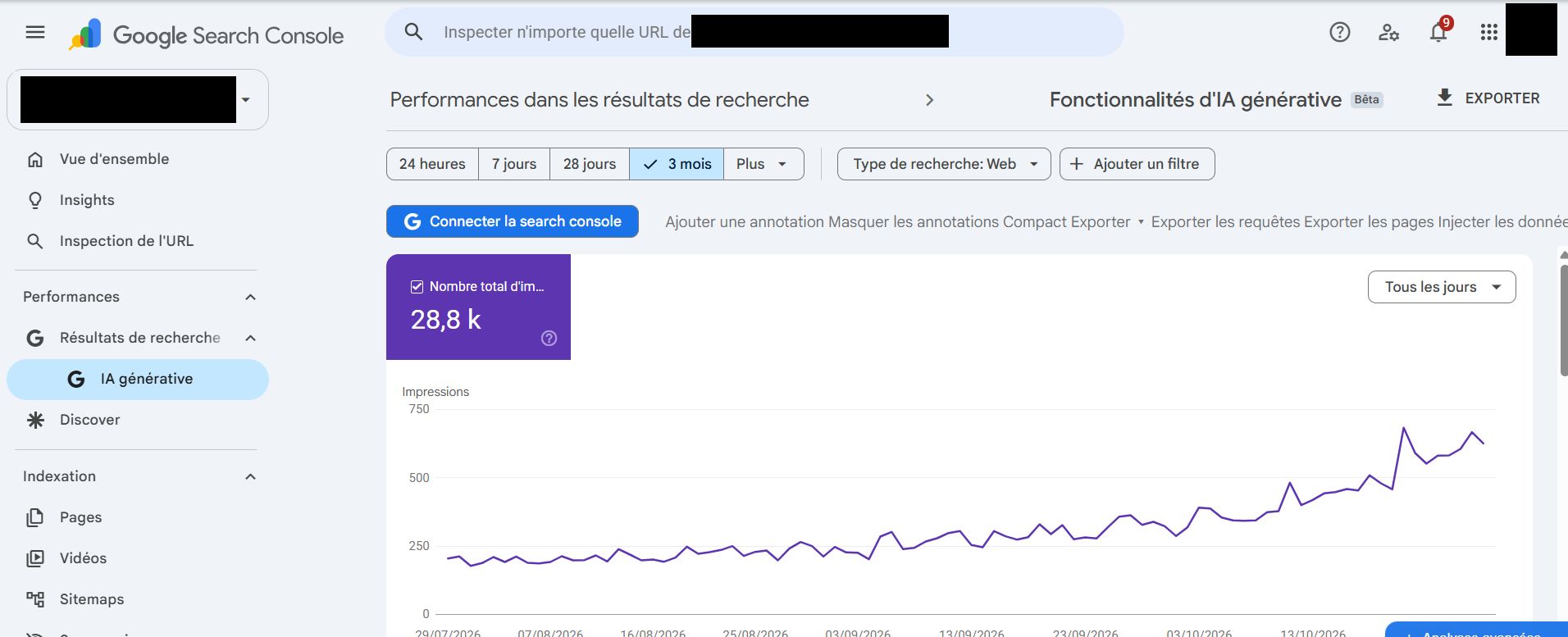
What if improving your visibility in Google’s AI results started with one click?
Find out where your website appears in Google AI Overview and AI Mode, then click Magic AI to get a practical plan for improving your visibility—without relying on an expensive GEO agency.
Click Magic AI. Know what to improve.
Whether your website is missing from an AI result or already appears and you want to move higher, turn the results you collected into clear next steps.
One button. Your next steps.
In the Analysis page, click Magic AI on the result section you want to improve. The extension prepares a prompt using the selected keyword and the results collected for that specific section.
Let your preferred AI help you.
Choose your analysis language, copy the generated prompt and paste it into the AI assistant of your choice. Run it to examine the sources highlighted by Google, compare them with your website and receive a practical action plan.
See what the leading sources have in common.
Your AI assistant can examine the sources collected for your keyword, identify the information they provide and compare it with your website.
Get ideas you can actually use.
Discover gaps, improve existing pages and prioritize content that answers your potential customers’ questions. You get a starting point for your own GEO work, without paying thousands for agency support.
Start tracking the searches that matter to your business.
Set up your workspace, organize your keywords and run a search. Your results are ready to explore in Analysis.
Bring your website and competitors together.
Enter your main domain, optionally add your brand name and compare your visibility with up to two competitor domains.
Pro tracks one main domain at a time. Changing the domain deletes the workspace history.
Organize searches by topic.
Create up to five groups with up to ten keywords each. For example, a tailor might group searches under “Bespoke suits” and “Wedding suits”.
Adapt searches to your local market.
Add a city or region before or after the keywords in one group or all groups. The location wraps the original searches, so you can change it without retyping your keywords.
Changing geolocation clears affected results and history after confirmation.
Collect Google AI results automatically.
Run one group or all groups. The extension searches for your keywords and collects results from AI Overview and AI Mode, including the main area and right column when available.
Follow progress, cancel an active run or retry searches that encounter an error.
See where your website appears.
Choose a group and keyword to explore your latest results. See your domain’s position and compare it with the competitors you added, for each available Google AI result section.
Discover who Google selects.
Open Ranked Sources to review the domains and links collected in ranking order for that keyword and result section. See which sources appear ahead of your website.
Track your progress over time.
Run your searches again as you improve your website and see how your recorded positions evolve.
Follow your ranking over 30 days.
See the best position recorded for each run, keyword and result section. Show or hide competitor curves to compare their progress with yours.
History builds as you run your searches; it is not available for days without recorded data.
Spot gains and losses at a glance.
Use the available comparisons to see how your positions have changed and focus on the searches that need attention.
Understand your competitive landscape.
Track up to two competitors alongside your website and see how their positions compare across your selected keywords and Google AI sections.
Go from a result to a plan with Magic AI.
Click the red button in the result section you want to improve, run the prompt in your preferred AI assistant, then use the recommendations to guide your next improvements.
Make your website more visible in Google’s AI results.
Track your important keywords. Get an AI-powered action plan. Follow your progress.